Independent guidance desk · Singapore
The pay run stops where the rule isn't met.
LedgerLane tests cloud accounting and payroll software against the exact statutory stack a Singapore pay run has to satisfy — CPF contributions, SDL, IRAS and Auto-Inclusion submissions, and the bank file that moves money.
What this site is for
Most Singapore SMEs arrive here with one of two problems. Either payroll is still a spreadsheet plus a GIRO upload and month-end is a scramble, or the company already runs Xero for accounting and nobody is sure whether a connected payroll app like SimplePay is genuinely enough — or whether they need a suite where payroll and ledgers live in the same database.
Both questions have answers, but they depend on headcount, industry, whether you employ work-pass holders, and how much of the work you want in-house. LedgerLane lays out the trade-offs in plain terms so an owner can decide without sitting through four product demos. We don't sell licences: we explain what each platform does well, where the handoffs break, and what a system change really costs a team of five versus a team of a hundred and eighty.
Spreadsheet + GIRO
A pay run assembled by hand each month, with the statutory lines pasted in and the approvals living in an inbox.
Accounting already in the cloud
Xero carries the ledger, and the open question is whether a connected payroll app closes the loop or splits it further.

Payroll decisions land on a desk, not in a demo. Read what the platform actually files before you commit.
Module overview
What a Singapore payroll stack actually contains
A cloud payroll system is not one feature. It is a set of modules that pass data to each other — and most implementation pain happens at the seams between them.
Employee records and statutory profiles
The record that decides every line below it
Residency status, CPF eligibility, work-pass details, and the salary components that determine what is CPF-able and what is not — this is the module that quietly sets the ceiling on every downstream calculation.
Gross-to-net processing
The pay run itself, line by line
Basic pay, allowances, overtime, ad-hoc payments, deductions, and CPF contributions calculated on the correct Ordinary and Additional Wage ceilings — the module most buyers watch in a demo and least often test against their own payroll rules.
Leave and timesheet approval
Leave balances, encashment, and sign-off
When leave and timesheets do not feed payroll correctly, they show up as disputes in the payslip, not in the system. A leave approval that lands mid-cycle and never reaches the pay run is the single most common seam failure we see.
Payslip generation and delivery
The document your staff actually read
Itemised digital payslips that an employee can retrieve without emailing HR for a copy. Under the Employment Act, employers must issue payslips — the question is whether the itemisation matches the components you actually paid.
Bank file upload
The handoff that stalls the whole month
A payment file that matches what your bank accepts. Financio names DBS and MAYBANK among the banks it supports for payroll transfers, and a mismatch on this module can stall the whole run on salary day.
Statutory reporting and submissions
IRAS, Auto-Inclusion, and the SDL line
IRAS reporting, Auto-Inclusion Scheme files, and the SDL line most teams forget until the first year-end. A platform that produces the file automatically keeps this module off your desk; one that does not leaves a January scramble.
Accounting handoff
Where payroll becomes a journal
Journals flowing into the ledger. ABSS Accounting and Xero both appear in Singapore payroll integration discussions for exactly this reason — a clean handoff means the pay run closes monthly in the same place as the accounts.
Two architectures in Singapore
Native payroll or a connected payroll app?
Connected payroll app
Xero maintains Singapore-specific product pages and payroll integrations, and positions payroll as an app-connected workflow rather than a fully native payroll suite here. That works well if you already run Xero and want a dedicated tool handling the payroll logic. SimplePay is listed among Xero's Singapore payroll integrations for moving pay data into the accounting records.
Best for a business that wants the best-in-class payroll tool and does not mind two vendors on the invoice.
Unified cloud suite
Financio takes the other route: a Singapore-focused cloud accounting and payroll suite where you move between accounting and payroll without a separate login. It states compliance support covering IRAS, CPF, MOM and tax requirements, supports up to 200 employees on its payroll page, and includes bulk payment upload.
Best for a lean team that would rather have one support number when the CPF file looks wrong on the 14th.
Neither model is wrong. The practical test is who reconciles the journal, and how often. If accounts and payroll have to share one database, the unified suite answers it. If payroll needs the sharper tool and accounting is settled, the connected app wins on depth.
Compliance, split honestly
Where the compliance work actually disappears
Software removes arithmetic, not judgement. Any vendor promising that compliance just happens is describing their marketing, not your Tuesday.
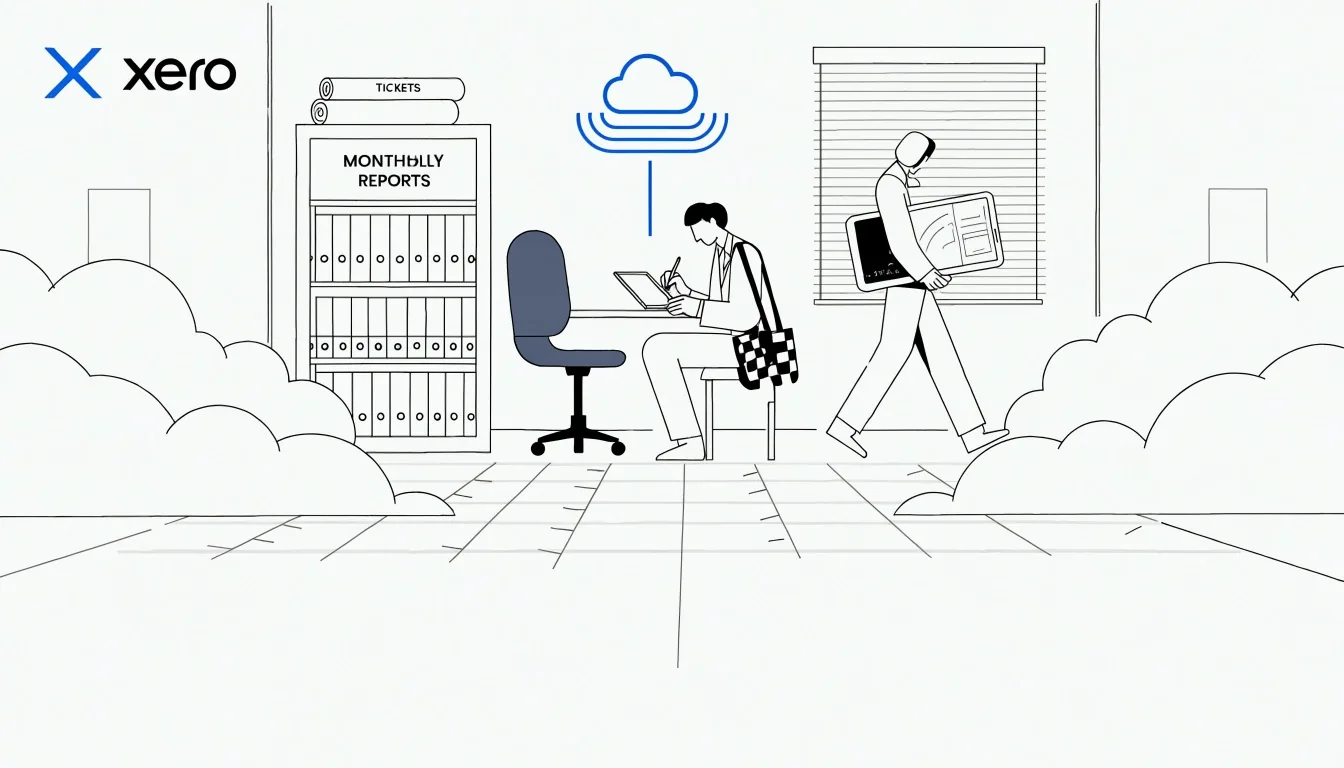
What the software takes off your desk
- CPF contribution tables staying current after a rate change, applied to the correct Ordinary and Additional Wage ceilings.
- SDL calculated on the right wage band and produced with the payslip batch, not remembered in December.
- Payslips generated and stored with the pay run, retrievable by employees without a manual reissue.
- IRAS and Auto-Inclusion Scheme files produced in a format the authority accepts, ready to submit.
What stays with you
- Deciding whether a particular allowance is CPF-able — the platform will apply your rule, not invent it.
- Checking that a new hire's residency status is recorded correctly before their first pay run closes.
- Approving the run and being the person who signs off before the bank file goes out.
Common beginner mistakes
Beginner mistakes we see most often
Each of these is avoidable with an afternoon of setup done properly. Our guides walk through it step by step.
Software picked on the demo
The purchase decision is made on the demo screen, not on whether the bank file actually uploads to a DBS payroll account. This is the failure that costs the most and shows up the earliest.
CPF seen as covering all remuneration
Someone assumes CPF applies to everything paid, then discovers the Additional Wage ceiling the hard way, usually when a bonus lands.
Payroll and accounting split for two years
One system for payroll, another for accounting, reconciled by hand every month. It works until the reconciliation stops explaining the gap.
Leave bolted on at the third dispute
Leave management gets treated as an HR nicety and is only plugged into payroll after the third argument about a missing encashment line.
Auto-Inclusion discovered in January
The scheme is discovered in January by a finance manager who has never filed one, and the format is learned on the deadline rather than before it.
Onboarding a new hire mid-month
A hire joins on the 18th and nobody has set their residency status or salary components before the run closes, so the first payslip is wrong.
Where to go next
How to use this site
Start with the comparison page if you are shortlisting platforms. Read the payroll compliance guide if your question is procedural rather than about software. The outsourcing page is for practices and SMEs weighing a service against a subscription.
If you are mid-evaluation and stuck on a specific question, write to us. We answer questions about Singapore payroll mechanics for free, and the answers are what shape the guides we write next.
Ask us a payroll questionQuestions we get most
Singapore payroll, answered
Short answers to the questions that decide most evaluations. If yours is not here, ask us and we will answer it in writing.
Do I need native payroll, or is an integrated payroll app enough in Singapore? +
It depends on whether payroll and accounting must share one database. A connected app such as SimplePay, listed among Xero's Singapore payroll integrations, moves pay data into the ledger without you running a second accounting system the same way. Native suites like Financio keep both in one login. The practical test is who reconciles the journal, and how often.
Which cloud accounting platforms handle CPF, IRAS and SDL most cleanly? +
All the platforms covered here treat CPF automation, IRAS reporting and SDL as core. The differences show up in edge cases: Additional Wage ceilings, non-resident employees, and whether the SDL line is produced automatically with the payslip batch. Financio states compliance support across IRAS, CPF, MOM and tax requirements; Xero relies on payroll apps for the payroll logic itself.
What payroll features matter most for SMEs with fewer than 200 employees? +
Payslip generation, leave that ties to the pay run, and a bank file your bank accepts. Financio supports up to 200 employees and includes bulk payment upload; below that headcount the deciding factor is usually how quickly a new hire can be onboarded mid-month.
How do leave, timesheets and payslips fit into one workflow? +
They should be one chain: timesheet approved, leave balance deducted, pay run calculated, payslip issued. When leave lives in a separate tool, the payslip becomes the place disagreements surface.
Which payroll software works best with local banks for salary payments? +
Look at supported bank file formats first. DBS and MAYBANK are both named among Financio's Singapore bank integrations, which matters if your payroll account is with either.
Write to us
Mid-evaluation and stuck on one question?
Send us the specific question you are trying to settle — a payroll mechanic, a platform comparison, or a headcount scenario. We answer for free and the questions shape the next guides we write.
Desk
71 Ayer Rajah Crescent, #02-18, Singapore 139951
Phone
+65 6725 1825
Hours
Mon–Fri, 9:00 AM – 6:00 PM. Closed on weekends and public holidays.