

LedgerLane Cloud Accounting & Payroll LedgerLane Cloud Accounting & Payroll
A Singapore back-office desk in the late afternoon with a paper payroll worksheet and an open laptop

Awaiting IRAS acknowledgement

The pay run stops where the rule isn’t met.

CPF, SDL, IRAS and the Auto-Inclusion Scheme, in the order a Singapore pay run has to clear them — and where software genuinely helps, and where it does not.

Written for owners and finance staff running their first payroll month in Singapore.

One month, four obligations

CPF
monthly
SDL
monthly
IRAS / AIS
annually
Payslips
every run

Dates and thresholds change; confirm the current figures on the agency's own page before you file.

Awaiting CPF classification sign-off Where most first payroll months go wrong.

Step one

CPF contributions and the ceilings teams miss

CPF is a statutory contribution system, and it appears in nearly every Singapore payroll product's materials for a reason: it is a core requirement in buyer evaluations, not a nice-to-have.

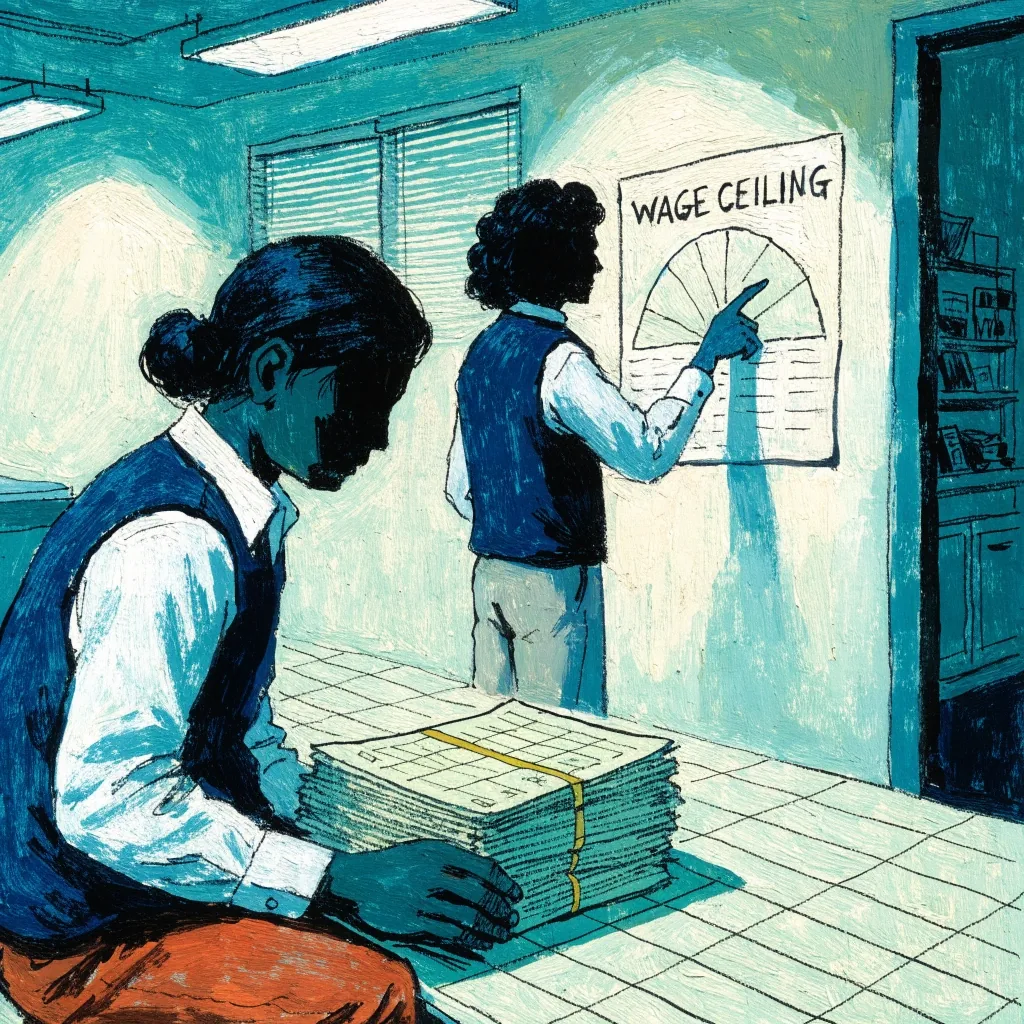
Payroll software in Singapore is expected to calculate CPF deductions automatically. What it cannot do is decide whether a payment is CPF-able. The Ordinary Wage ceiling and the Additional Wage ceiling work differently, and bonuses, commissions and certain allowances land on the Additional side. Get that classification wrong in setup and every subsequent run is wrong in the same way.

The automation is real and it matters when CPF rates change. Someone still owns the classification rules.

An accountant's hands reviewing a payslip bundle against a ruled worksheet in a Singapore office

What software does

  • ■Calculates employee and employer CPF from the wage lines each month.
  • ■Holds the Ordinary and Additional Wage ceilings as rules you can amend.
  • ■Applies updated contribution rates when the schedule changes.

It does not decide CPF-ability for you. That call — wages versus additional wages, allowances, what belongs in a run — stays with the person who signs the run off.

Awaiting wage band confirmation

Step two

SDL calculation

Skills Development Levy is small, monthly, and easy to forget until it’s cumulative. It’s calculated on a wage band rather than a flat percentage, which makes it a poor candidate for manual arithmetic.

A Singapore payroll system should produce the SDL line inside the pay run, alongside CPF, so the amount is never reconstructed afterwards from a spreadsheet. If a platform treats SDL as a manual adjustment, that’s a signal about how deeply localised it really is.

Ask a vendor

“Show me the SDL line on a demo payslip.” If it sits outside the run, SDL is a manual adjustment and you will keep a spreadsheet just for it.
Awaiting a clean year of records

Step three

IRAS submissions and the Auto-Inclusion Scheme

IRAS is the Inland Revenue Authority of Singapore, and it appears in payroll compliance workflows because employment income reporting runs through it. Singapore payroll products position IRAS updates as part of automation, and software pages specifically mention IRAS reporting and Auto-Inclusion Scheme submissions.

The Auto-Inclusion Scheme is where unprepared teams get caught. It requires employment income information submitted electronically, and the data has to come from a year of clean payroll records. If your pay runs were assembled across three tools, January is when you find out. Businesses that adopt local payroll software often cite IRAS compliance as the actual trigger.

One question, one answer

Evaluating cloud payroll software Singapore vendors? Ask each one: show me the Auto-Inclusion Scheme step. The answer separates localised software from software with a Singapore page.

Step four

Payslips, records and the audit trail

Payslip generation in Singapore is not only an employee convenience. The payslip is the record that reconciles the run, and itemised digital payslips give an employee a way to check a CPF deduction without emailing HR.

Keep the trail intact: approved timesheets, leave taken, gross-to-net calculation, statutory deductions, and the payment file. Cloud payroll tools describe CPF as part of compliance automation, and the honest version of that claim is that the calculation is automatic while the record is auditable.

  1. 01 Approved timesheets and leave records What the employee actually worked and took, before anything is paid.
  2. 02 Gross-to-net calculation How the month’s gross became the net figure on the payslip.
  3. 03 Statutory deductions — CPF and SDL What was withheld, under which rule, and at which ceiling.
  4. 04 Payment file and payout evidence Proof the money actually left; the record that closes the run.
  5. 05 Year-end AIS export The one row that lands when the twelve months behind it were clean. This is the value the scheme asks for.

Step five

Bank file upload and payout reality

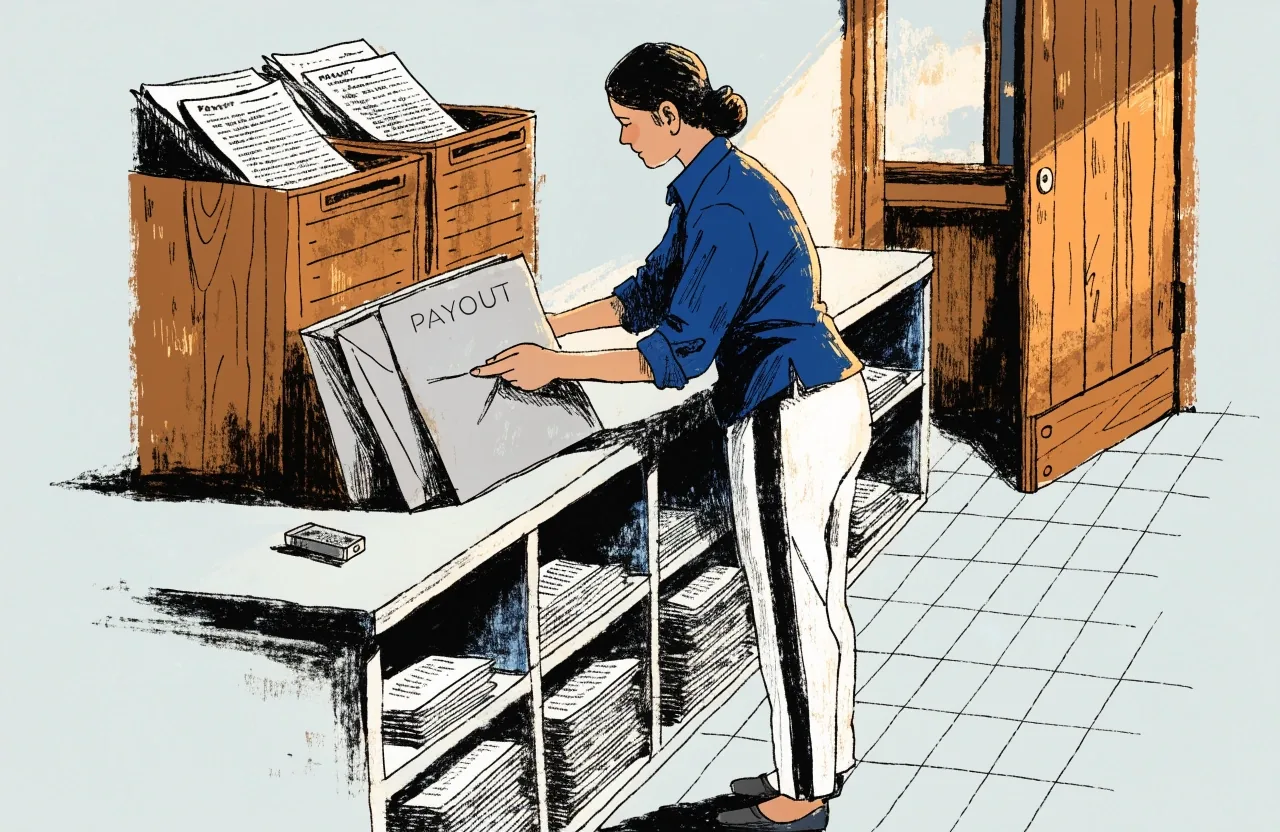
A payroll run isn’t finished when it’s calculated. It’s finished when salaries land. That’s why bank compatibility is a real evaluation criterion and not a procurement afterthought.

Payroll software in Singapore often needs payment rails, not just calculations. Financio names DBS and MAYBANK among its supported bank integrations, and those are used for payroll bank-transfer workflows. If your company banks elsewhere, confirm the file format before you commit, and test one run with a small batch.

A finance staff member at a Singapore desk preparing a payroll bank payout run

Before you commit

  • ■Confirm the bank file format your bank actually accepts, not the one in the sales brochure.
  • ■Test one real pay run with a small batch before payroll depends on it.
  • ■Keep the payment file and the acceptance receipt together, so the run can be closed later.

Reasonable expectation

How much compliance work automation removes

Realistically: the arithmetic, the file formats, the rate changes, and the repetitive assembly. What remains is judgement about classification, sign-off before the file is released, and the responsibility for what gets filed.

Awaiting finance sign-off
Handled by the software Still yours to decide
  • CPF and SDL arithmetic inside the run Whether a payment is CPF-able and which ceiling it sits under.
  • Applying rate and ceiling updates when the schedule changes Reading each update and deciding whether it touches your payroll setup.
  • Assembling payslips and the year-end AIS file format That the twelve months behind it are clean and can be depended on.
  • Producing a bank-ready payment file in the bank’s format Sign-off before release, and the responsibility for what gets filed.

What is still open

Every pay run is a list of conditions it has to clear

The list below is what a Singapore payroll month actually waits on. Every one of them has to be answered before the run can be called done — some by the software, some by the person signing off.

  1. Wage classification set for each new hire
  2. Ordinary and Additional Wage ceilings confirmed
  3. SDL line produced inside the run, not after
  4. Payslips issued itemised, deduction by deduction
  5. Bank file accepted in your bank’s own format
  6. Salaries landed in employees’ accounts
  7. Twelve clean months behind the AIS export
  8. IRAS acknowledgement received and filed

One of the eight is closed. The rest are open until someone answers them — which is exactly what a compliance check on a payroll month looks like.

Where to take this next

Compliance is the reason Singapore SMEs move off spreadsheets. Not convenience, not dashboards. The recurring fear that one CPF figure is wrong, or that the Auto-Inclusion Scheme file will be rejected in March.